


Design studios juggling multiple client accounts know that hiring photographers, licensing stock imagery, and paying for custom illustration work adds up fast — especially when a campaign needs dozens of variations before final sign-off. Nano Banana AI is one of the image generation models available inside Kimg AI, and it gives studios a way to produce polished visuals without the recurring costs of traditional production. This article looks at how the AI Image Generation feature on Kimg AI actually works, based on what the platform’s feature page describes, and where it fits into a studio’s day-to-day workflow.

What Is AI Image Generation?
AI Image Generation on Kimg AI is a text-and-image-based creation tool that lets users type a prompt or upload a reference photo and receive a new visual output in return. It sits inside the broader Kimg AI platform as one of several production tools, alongside upscaling, background removal, inpainting, and outpainting. For a design studio, this means concept sketches, mood boards, and client-ready mockups can be produced from the same interface instead of switching between separate software for editing, upscaling, and style conversion.
Traditional Challenges of AI Image Generation
Studios producing visuals through conventional methods run into recurring friction points:
- High per-project costs for photographers, illustrators, or stock licensing
- Long turnaround times between concept approval and final delivery
- Difficulty maintaining consistent characters or branding across multiple assets
- Limited ability to quickly test alternate styles for client review
- Reshoots or rework whenever a client requests a different look
These constraints push teams toward tools that can generate multiple style options quickly, without booking new shoots each time a client changes direction. This is largely why studios have started testing AI-based generation tools as a supplement to, rather than a full replacement for, their existing creative process.
How Kimg AI Handles AI Image Generation
Kimg AI organizes its image generation feature around named models, each suited to different production needs.
Nano Banana
Nano Banana is described as a model built for hyper-realistic transformations, supporting up to four reference images for character and style consistency. It handles both text-to-image generation and photo-based style transfer, converting a photo into an anime look, an oil painting style, or a 3D render while preserving the original composition.
Nano Banana Pro
Nano Banana Pro is positioned as the higher-tier option for teams that need sharper detail and larger output sizes, with upscaling support up to 4K, 8K, and 16K resolution. It is aimed at professionals who need precise prompt execution and fine micro-detail rendering for high-end print or campaign work.

Seedream and Flux
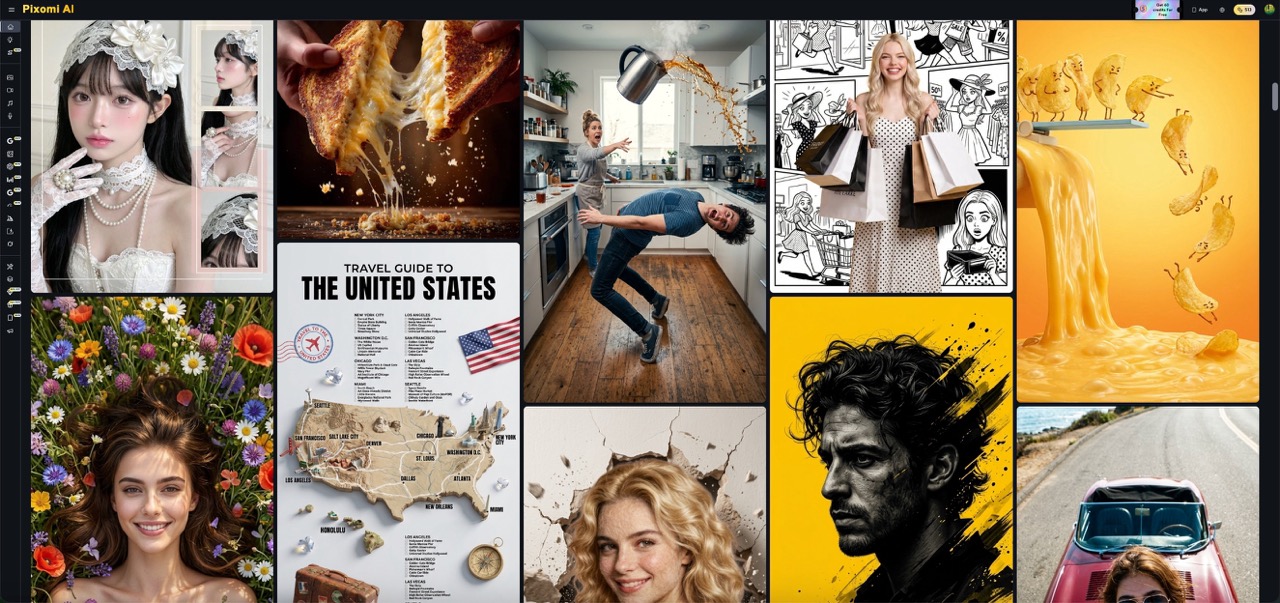
Seedream is presented as a faster option for high-volume iteration, useful when a studio needs several concept directions quickly before committing to a final look. Flux, by contrast, focuses on context-aware editing, letting users modify a specific element of an image — such as replacing text or adjusting one object — while the rest of the composition stays untouched.
How to Generate Custom Images with Kimg AI
Step 1 – Prepare Input
Before starting, gather the reference material the studio wants to work from — this could be a rough client sketch, a product photo, or a written brief describing mood and composition. For example: “convert this product photo into a lifestyle scene with warm studio lighting” or “blend these two brand mockups into a single cohesive layout.” Clear, specific prompts with details on lighting, style, and composition tend to produce more usable first drafts.
Step 2 – Configure Settings
Once the input is ready, select a model based on the task: Nano Banana for realistic detail, Seedream for fast iteration, or Flux for targeted edits. This is also where studios choose output resolution and decide whether to use the Banana AI family of models for reference-based consistency across a multi-asset project.
Step 3 – Generate & Export
After configuring the settings, trigger generation and review the output against the brief. Kimg AI allows previewing results before download, and finished images carry commercial usage rights so studios can drop them directly into client decks, ad creatives, or product pages.
Use Cases for Design Studios
- Concept Visualization Teams — turn early client briefs into visual mockups quickly, cutting down the back-and-forth before a direction is approved.
- Brand and Campaign Designers — generate multiple style variations of the same asset for A/B testing without new photoshoots.
- Product Mockup Specialists — swap backgrounds and settings on existing product photos to visualize seasonal or regional campaigns.
- Illustration and Storyboard Artists — maintain consistent characters across a series of scenes using reference-based generation.
FAQ
How does the workflow actually work?
Users either type a prompt or upload a reference image, choose a model such as Nano Banana or Seedream, and generate a result that can be reviewed and downloaded within the same session. Multiple models can be run side by side to compare outputs before choosing a final asset.
What are the usage rights on generated images?
Content produced through Kimg AI, including outputs from Nano Banana and Nano Banana Pro, comes with commercial usage rights for marketing and client work. Studios should still review their specific plan terms, as exact licensing details can vary by subscription tier.
Which models support reference images and style control?
Nano Banana supports up to four reference images for consistent characters and style matching, while Flux focuses on precise, context-aware edits to specific image elements. Seedream is built primarily for fast, high-volume style exploration rather than reference-based consistency.
Conclusion
For design studios balancing client demands against production budgets, AI Image Generation on Kimg AI offers a practical way to produce multiple styles and iterations without recurring photography or illustration costs. The Nano Banana AI model, alongside Seedream and Flux, gives teams flexible controls suited to different stages of a creative project, from rough concepts to client-ready assets.
Studios curious about fitting this into an existing workflow can start with a small test project — a single product photo or brand asset — and compare outputs across the available models before scaling up usage.