

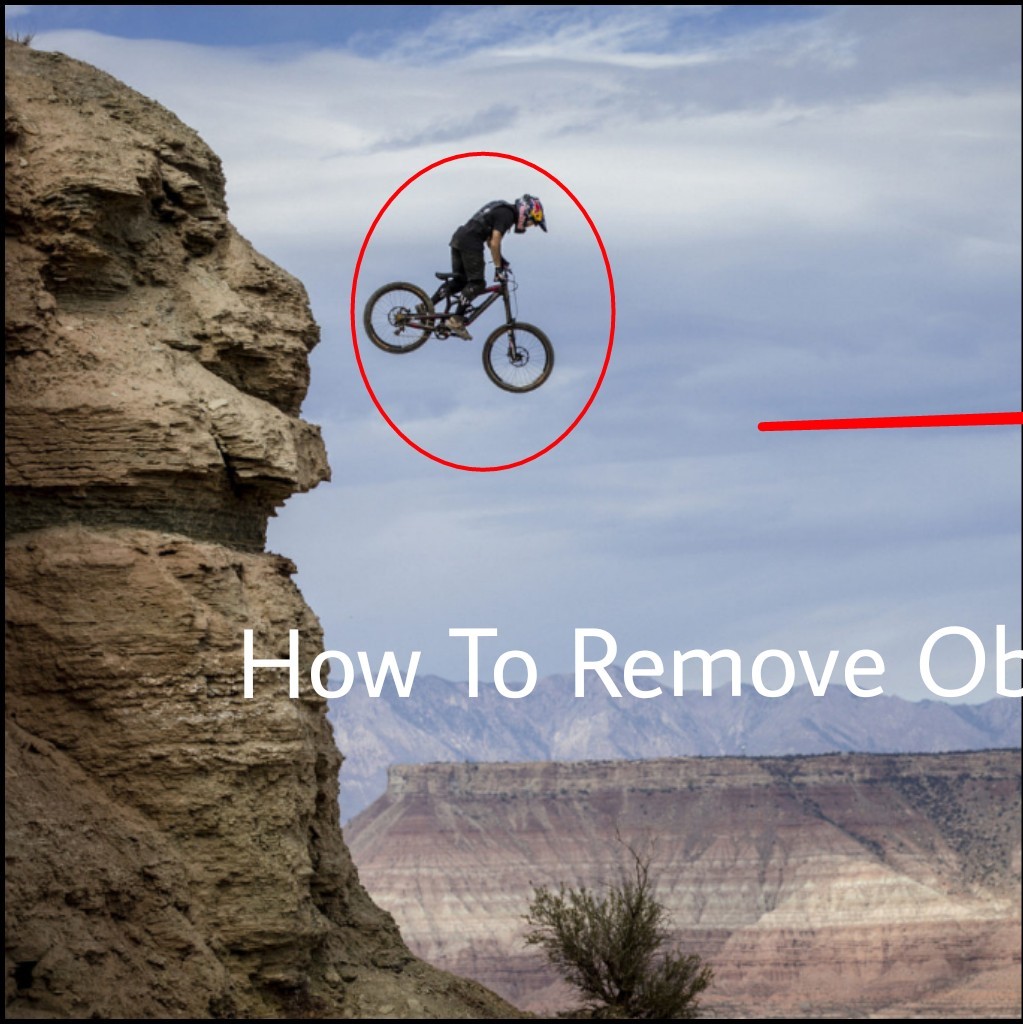

Today I Share An App That Help You To Remove Object From Photo First Download : Touch Retouch 1.Open The App And Subscribe My Channel Comment Me For Extra Help Thank You. Junaied Islam Rony
 2.Click Albums And Select Photo
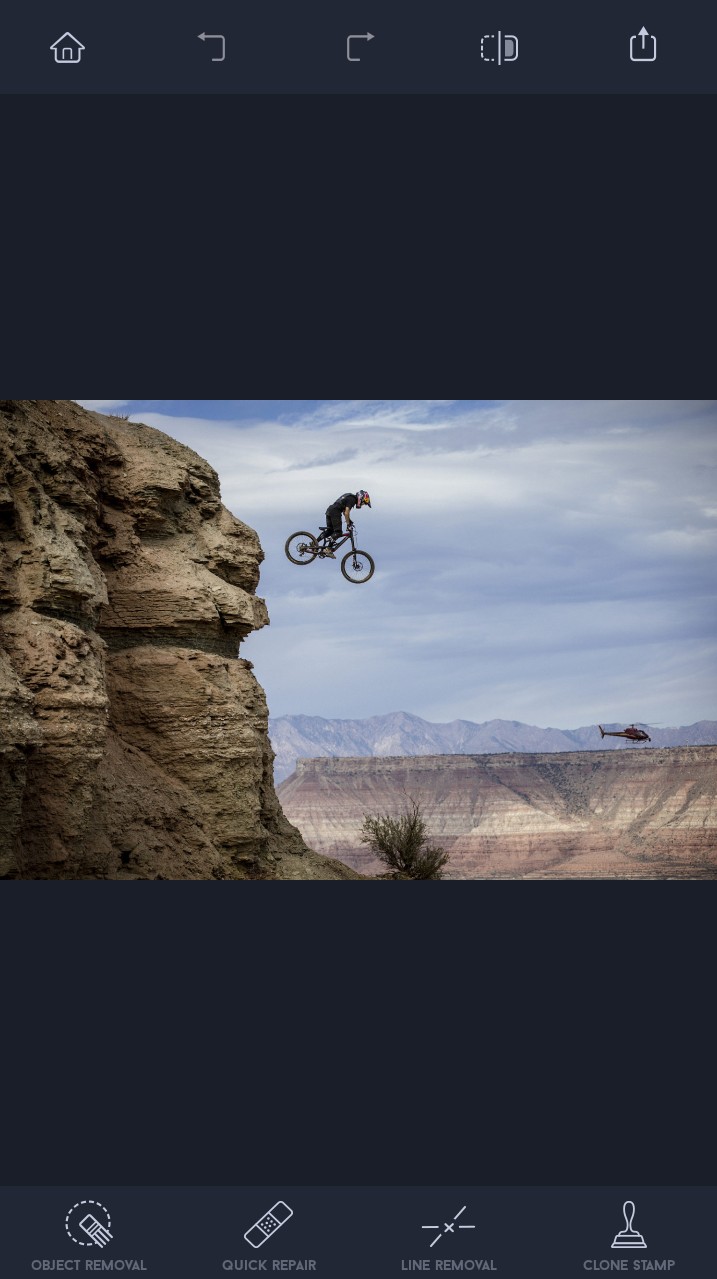 3.Click Object Removal
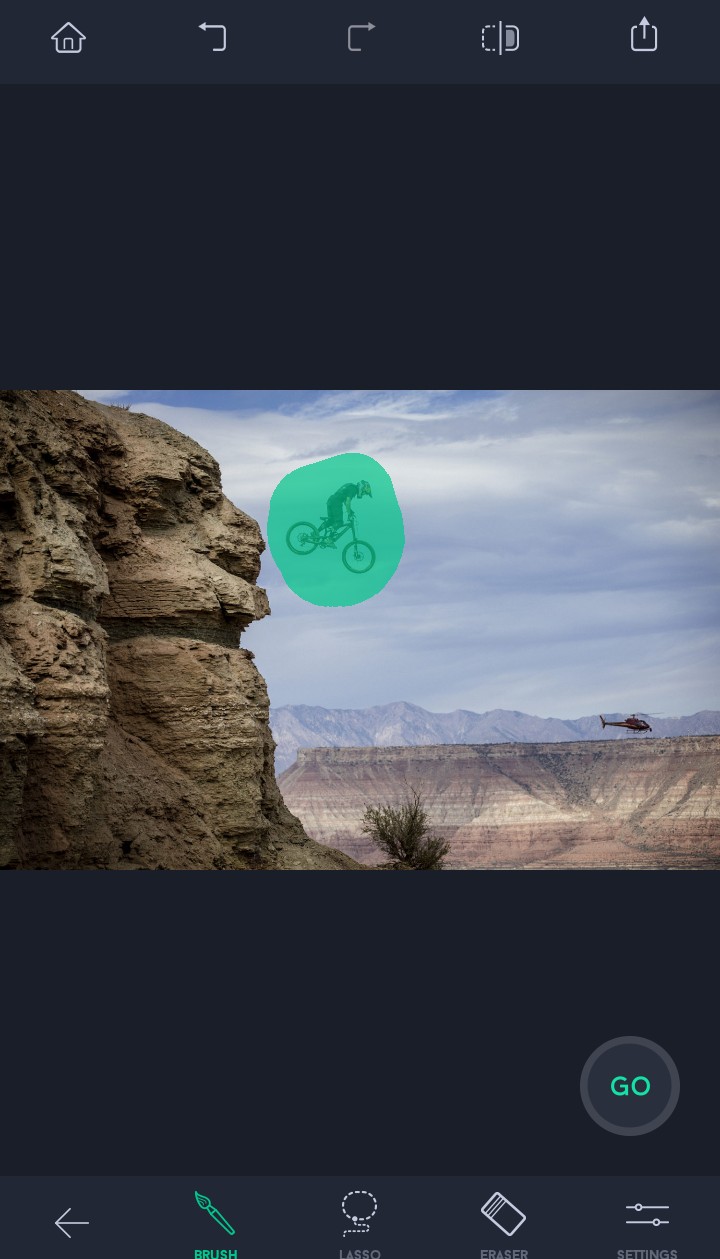 4.Click Brush And Mark The Object Which You Want To Remove.Now Click Go And See What happen.
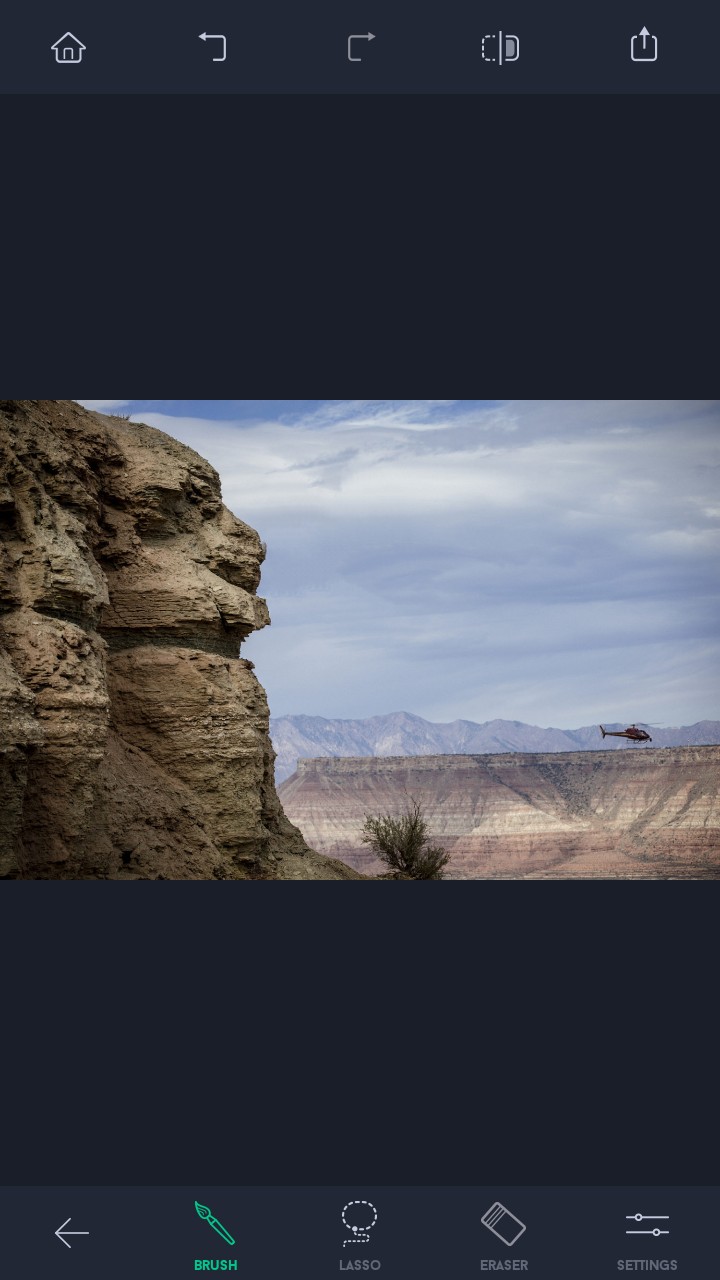 5.See The Object Is Vanish.
If You Dont Understand Watch Video
কারন আমি ইংরেজিতে গুছিয়ে লিখতে পারি তাই কারো যদি বুঝতে অসুবিধা হয় তাহলে যানাবেন
next e janoo ar na hoy. eyta trickbd rols
Ami english post kori. Aro korbo, na bujle igonre korben